Find approved knowledge
Search selected company documents or content and return answers grounded in those sources for human review.
Use AI for language-heavy and information-heavy steps where simple rules stop being enough, while keeping human review and clear boundaries where decisions matter.
Some work follows predictable rules and should stay normal software. AI becomes useful when a task involves varied language, large documents, classification, summaries, or drafting from approved source information.
The safest starting point is one narrow workflow with a visible human owner, test data, known failure cases, and a way to check whether it actually improves the work.
Search selected company documents or content and return answers grounded in those sources for human review.
Extract, summarize, classify, and route inquiries or documents so the right person can act sooner.
Create a first response, summary, description, or internal note from verified information, then require approval before use.
These are possible engagement types, not claims that one model should make autonomous decisions for every business.
I will not promise that AI can run the business, replace qualified judgment, make autonomous high-stakes decisions, or guarantee a financial return. The written scope defines the job, review, access, and limits.
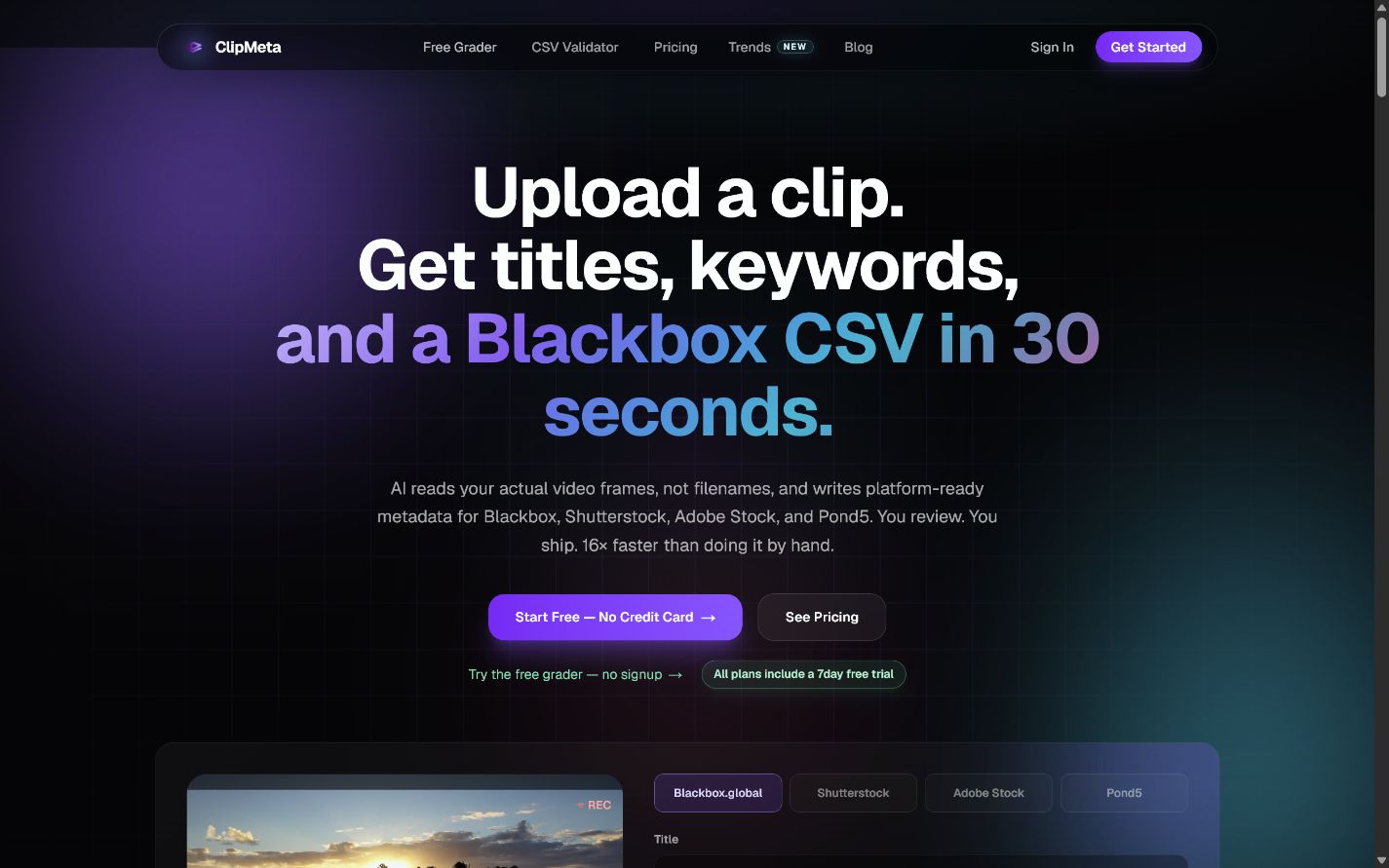
Stock-footage creators upload a batch, review AI-generated titles, descriptions, and keywords, and export platform-ready CSVs. The AI handles a language-heavy first pass while the creator keeps review and approval.
See the ClipMeta workflowAI work is custom-scoped after a focused discovery step. The scope covers source data, model or provider costs, human review, permissions, maintenance, and the definition of a successful result.
You do not need a finished brief. These answers make the boundaries clear; the project form gives me enough context to suggest the next useful step.
Examples include approved-knowledge search, document and inquiry summaries, draft preparation, classification, routing, and AI assistance inside an existing workflow.
No. Predictable calculations and fixed business rules should remain normal software. AI belongs where language, variation, or large amounts of information make fixed rules inadequate.
Not by default. Human approval stays in place where decisions matter, and the written scope identifies which steps can run automatically and which require review.
No. AI integration changes an internal or customer workflow. AEO makes public business information clearer for AI-assisted search and answer tools.
Tell me which language-heavy or information-heavy task repeats most often. I will help determine whether AI, ordinary automation, or a simpler process is the right answer.
Explore an AI workflow